Services · AI workflows
AI workflows,
one task at a time.
The studio’s own work runs through these workflows every day. The same approach can take one recurring task off your hands: you get the result, checked, not a system to maintain.
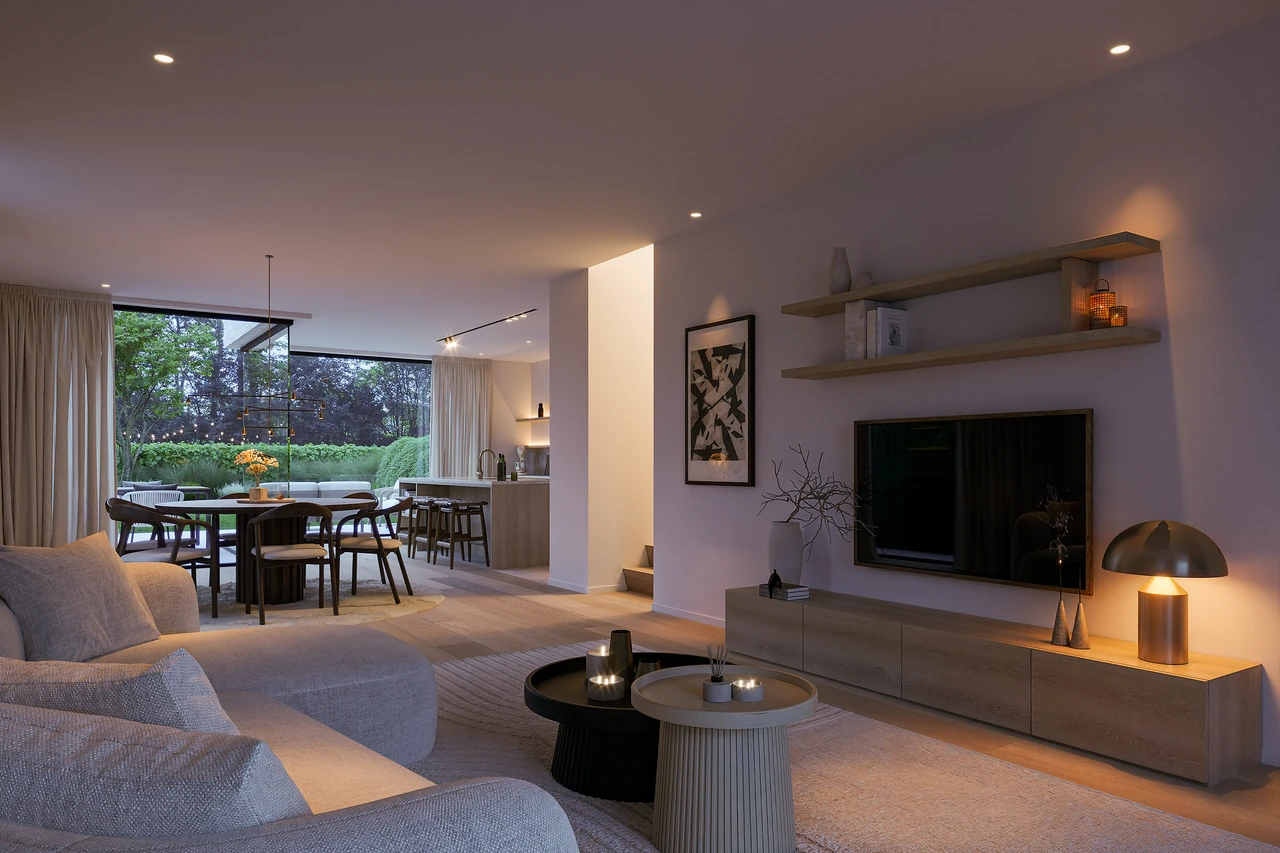
What already runs here
- Variations. 14 grids of four frames from existing renders, in one batch. Camera angles are interpretations and are checked before use.
- Batch grading. One look, a warm evening, over 21 images at once through a Lightroom plug-in, the values read back.
- Upscaling, with our own model. Run locally and tuned for architecture, it adds back the detail an image loses on its way to print. New grain is generated detail, not recovered fact.
- A render library. 7,033 renders catalogued, 1,936 distinct ones shown, sorted by what a model sees (CLIP), without a single tag typed by hand.
- Relighting. Depth, surface direction and colour estimated from one render (Marigold), and the room lit again.
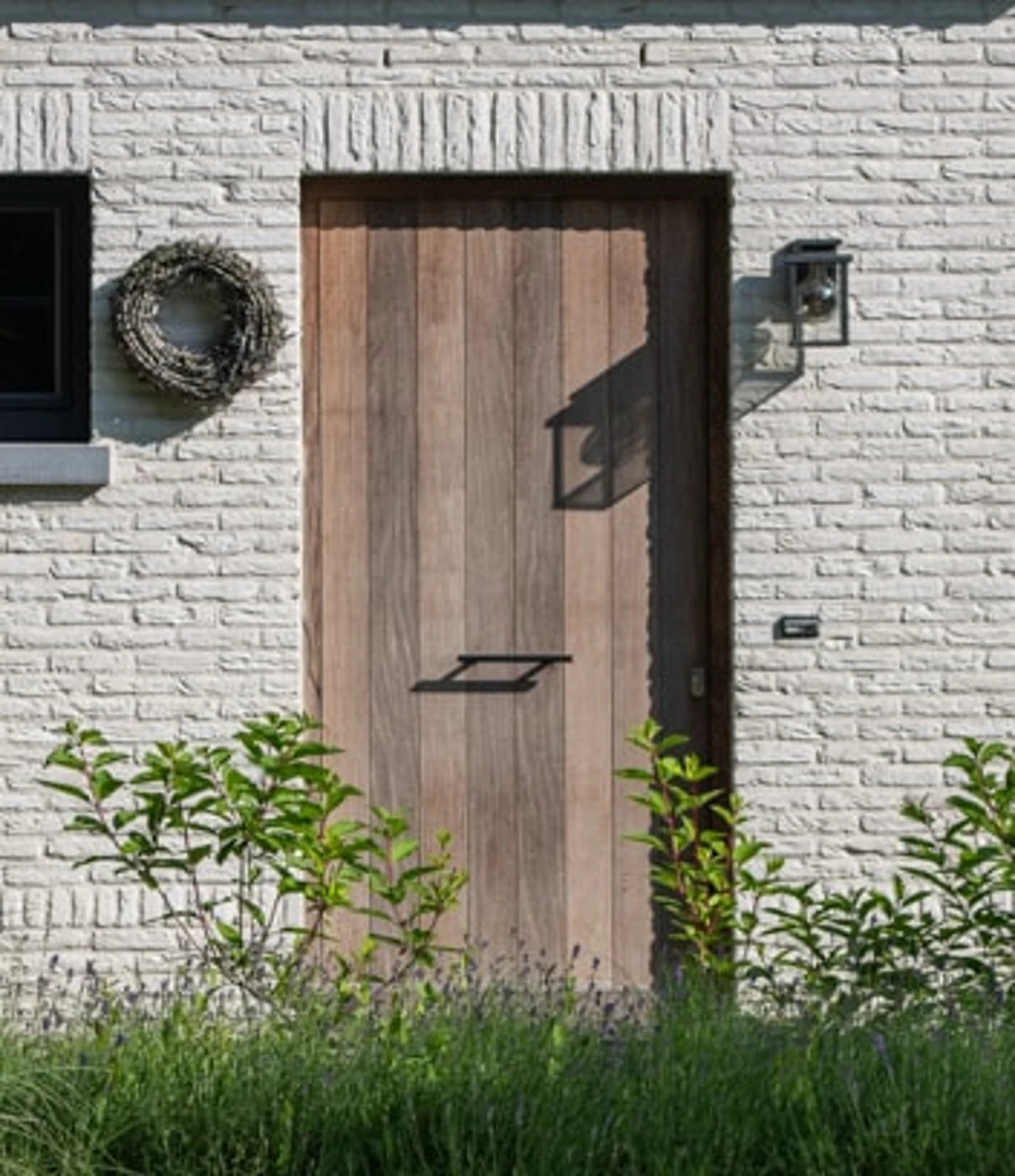
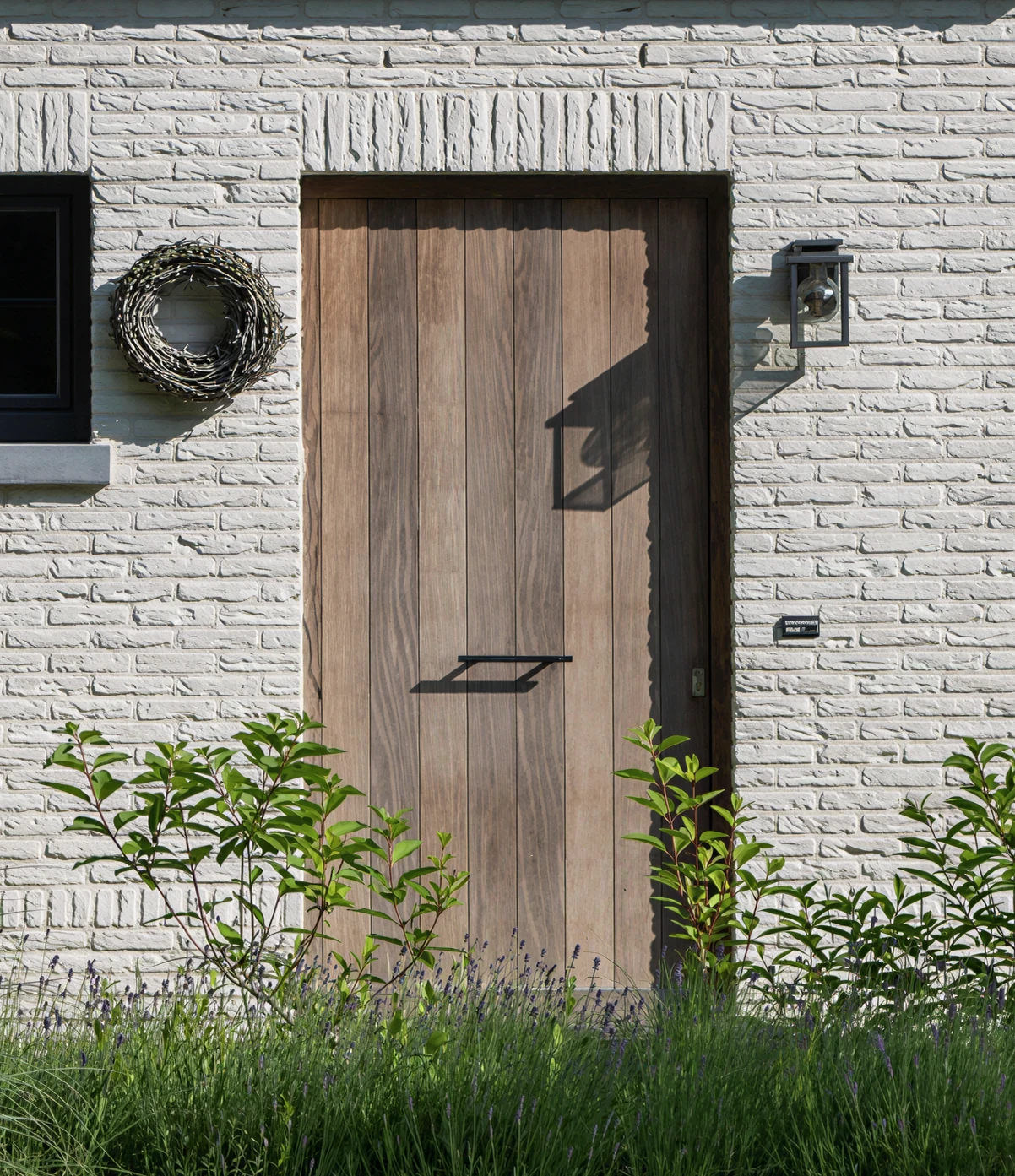
How a workflow starts
We start with one concrete task. You know in advance what we are testing, what it costs and how we will judge whether it is useful.
- One recurring task, with one kind of input and one result.
- A paid trial on one real example of yours, with a time limit agreed in advance.
- A visible check in the result: what the workflow did, and where a person has to look. Then keep it, adjust it or stop.
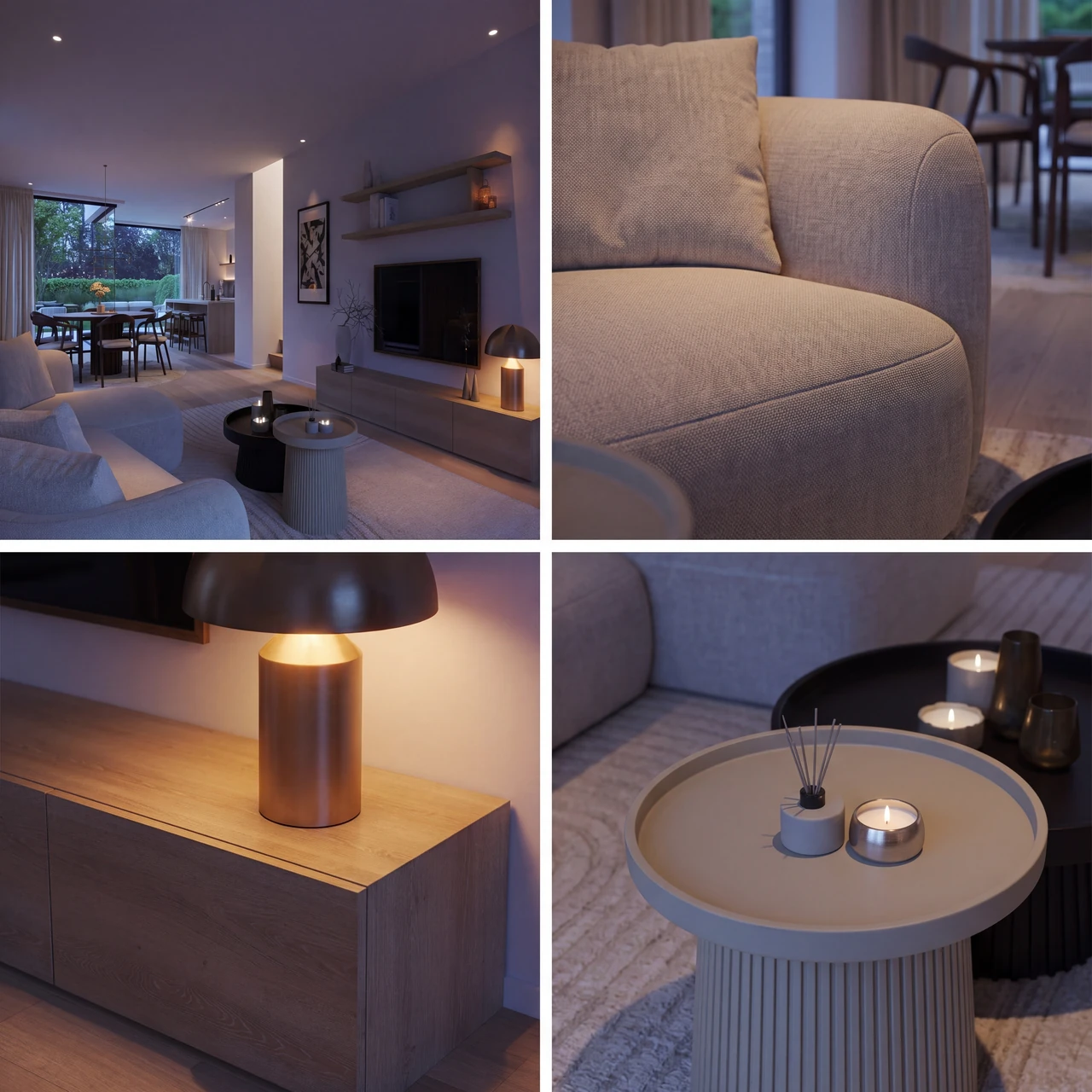
Your material
Where possible, the models run on the studio’s own machine: the upscaling, the layers for relighting and the library. When a step uses a cloud model, the quote says which one, and nothing of yours goes there without your agreement.
Price
A trial is quoted per task, after we have seen a representative example. Keep it, adjust it or stop: a standing arrangement only once the trial has proved its worth. Design and technical choices stay with the designer; a variant is a proposal, not a design.
Questions
Do I need to install anything?
No. You get the result: a document, images or a presentation. If the same task keeps coming back, a small automation can be a separate, next step.
Will AI replace my designer?
No. Variants and drafts are proposals; design and technical decisions stay with the designer.
Which tasks fit?
Recurring, bounded tasks: turning existing images into presentation material, making variants of one image, putting a series of images in one look, writing product information out clearly from documents.
Is my material used to train models?
Not by BOHAUS: nothing you send is used to train or tune a model of ours. The steps that run on the studio’s own machine, the upscaling, the relighting and the library, never leave it. For a step that uses a cloud model, the quote names the service and whether its terms for paid use rule out training on your material; if they do not, that step is not used for your material.
What does a trial cost?
It is quoted per task after a representative example: a small, fixed scope with a stop criterion.
Which task comes back every week?
Send one example; you get a proposal for a small trial.
See the workflows in the tour →
Also at BOHAUS: Architectural visualisation · About